Alto
Linking Connect to Alto (Vebra Alto) lets you:
- Look up Alto contacts by phone number from Connect.
- See who's calling when the number matches an Alto contact, on screen and in call notifications.
- Open the matching Alto contact record when a call comes in, known as screen popping.
- Log a note on the Alto contact automatically when a call ends.
- Add Sidekick call transcripts and meeting notes to the contact.
Before you set this up
Alto is connected once for your whole organisation, not by each user individually, and unlike some of Connect's other integrations, it isn't something you switch on yourself from the Apps screen.
Activation starts on the Alto side: someone with access to your Alto account needs to enable the Connect integration for your agency. Once that's done, Alto lets us know directly, and we complete the connection using the details Alto provides. There's no token or credential for you to generate or hand over, and nothing further for you to do in Connect.
Where calls appear in Alto
Connect adds calls, transcripts and meeting notes to the contact as notes, and updates the contact's Last Contacted Date each time. They show under the contact's Recent Activity.
Seeing who's calling
When a call comes in, Connect looks the number up in Alto and shows the contact's name instead of the bare number, both on screen and in the call notification. Matching relies on the number being stored on the contact in Alto, but it doesn't matter which format it's saved in, Connect handles that for you.
Opening the contact in Alto
Connect gives you a link through to the matching Alto contact record, and it can open that record for you automatically when a call comes in. Both are covered on the CRM screen popping page, including the Chrome permission you need for automatic opening to work.
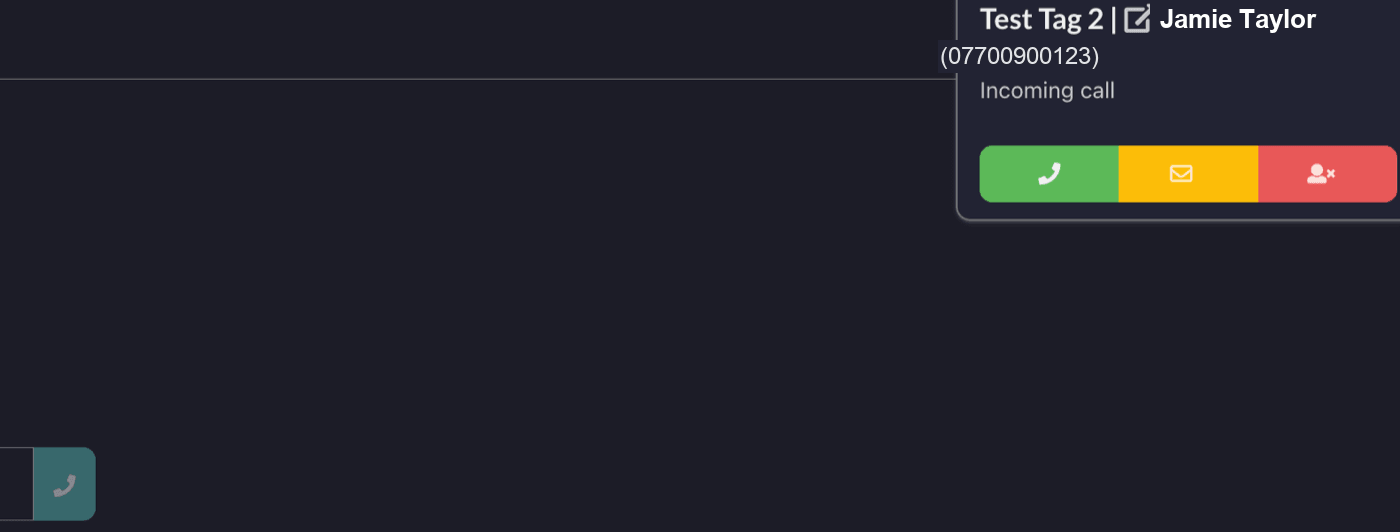
The link opens the person record in Alto.
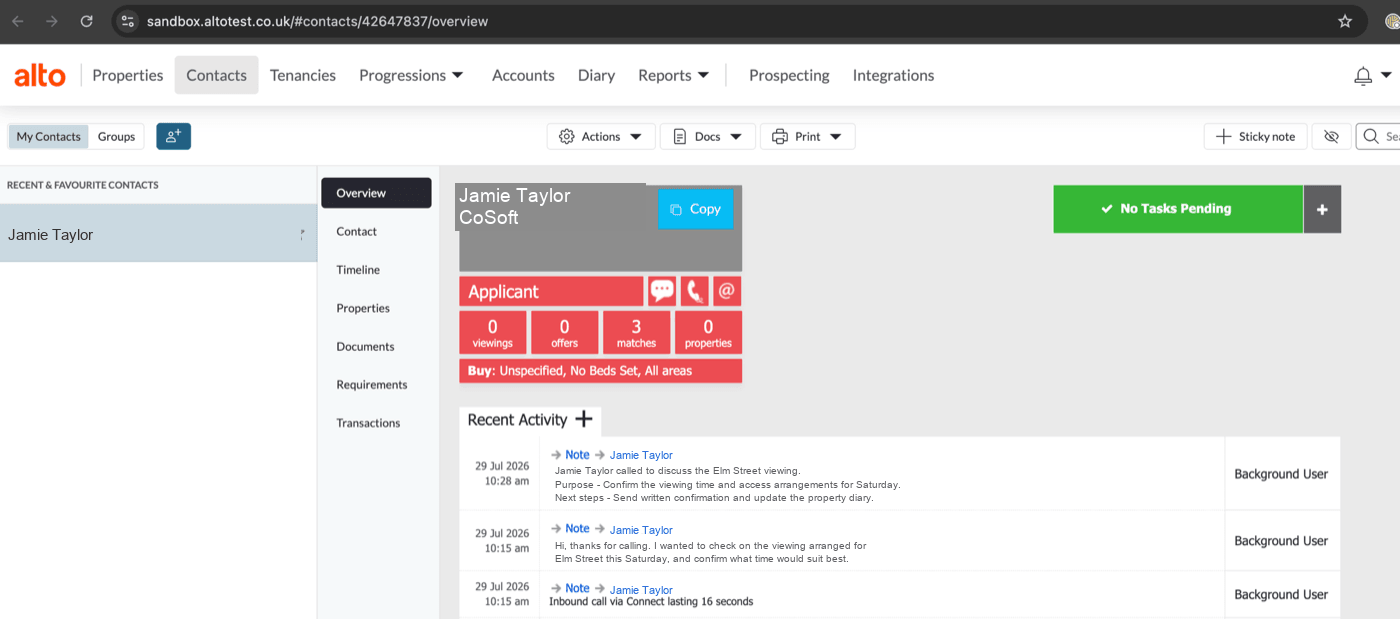
Calls logged against the contact
When a call ends, Connect adds a note to the matching Alto contact with the direction of the call and how long it lasted.
Alto connects to Connect at the organisation level rather than through an individual login, so notes are added under the name of the Connect application rather than the specific person who took the call. That applies to every note Connect adds, calls, transcripts and meeting notes alike.
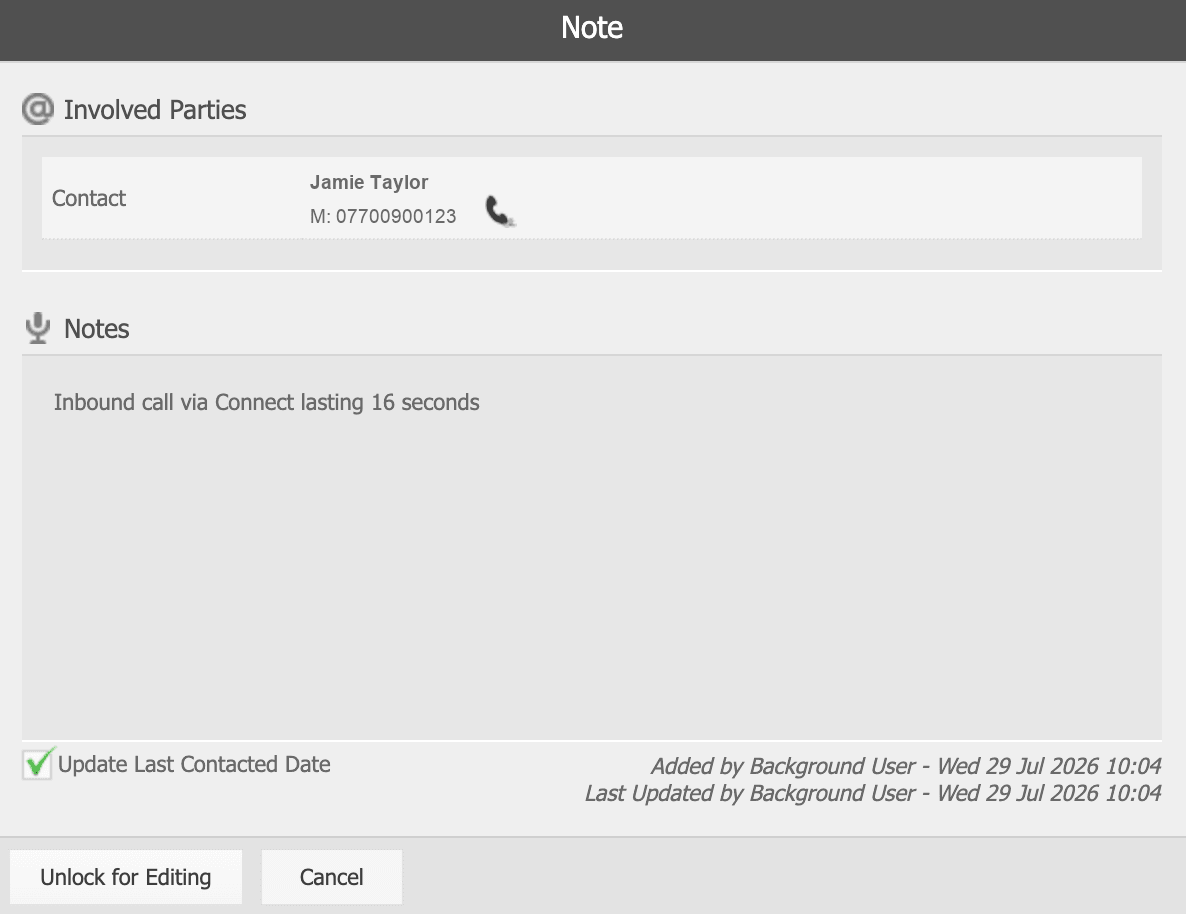
Alto doesn't let Connect delete a note through the API once it's added, so Connect is deliberately careful not to log the same call twice.
Sidekick transcripts
If you use Sidekick, Connect adds a second note once the call is transcribed, containing the transcript as Sidekick produced it.
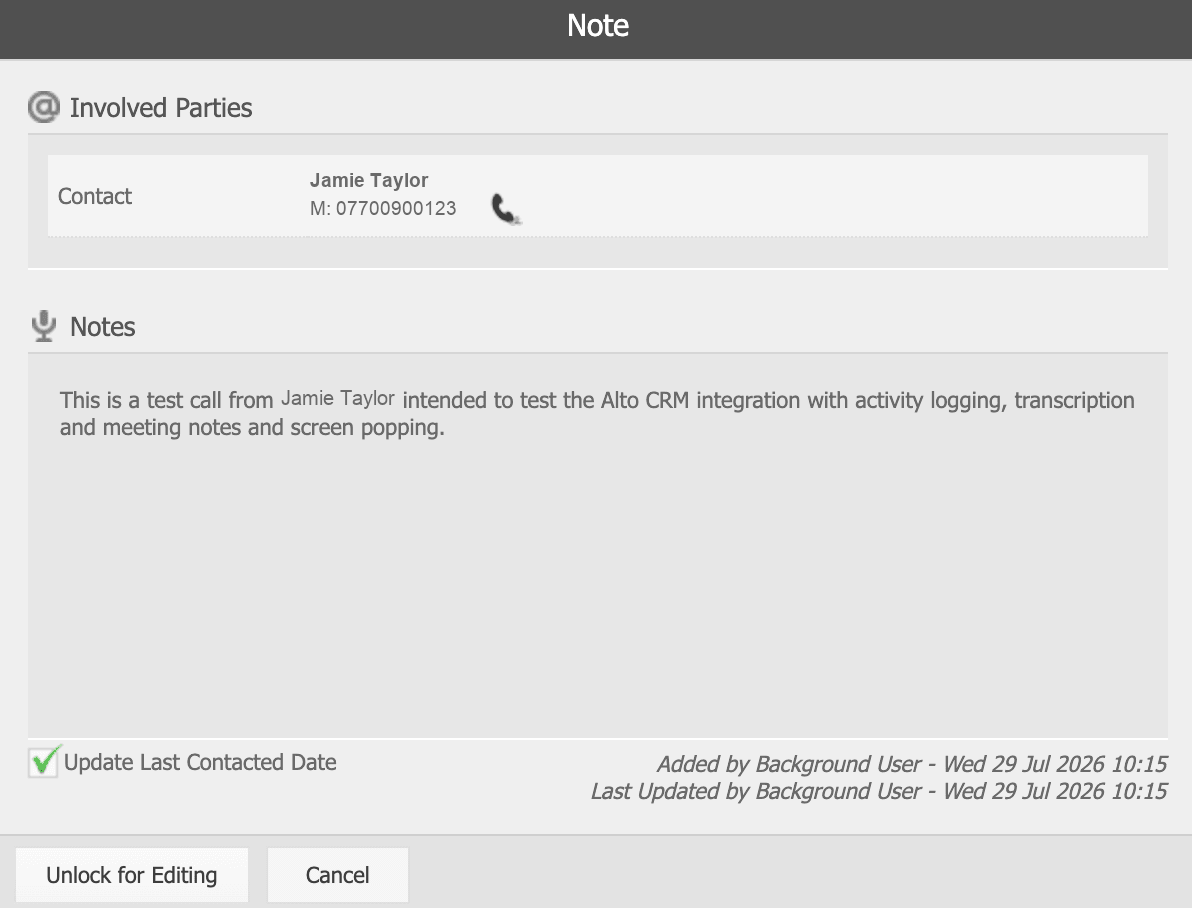
Very long calls are shortened before they're added as a note. If you need the full transcript for an exceptionally long call, it's always available in Sidekick.
If a transcript is re-run, Connect won't add a second note for the same call.
Sidekick meeting notes
Once Sidekick has summarised the call, Connect adds a third note carrying the summary, a short headline sentence followed by the same Purpose and Next steps sections you see in Sidekick's summary panel.
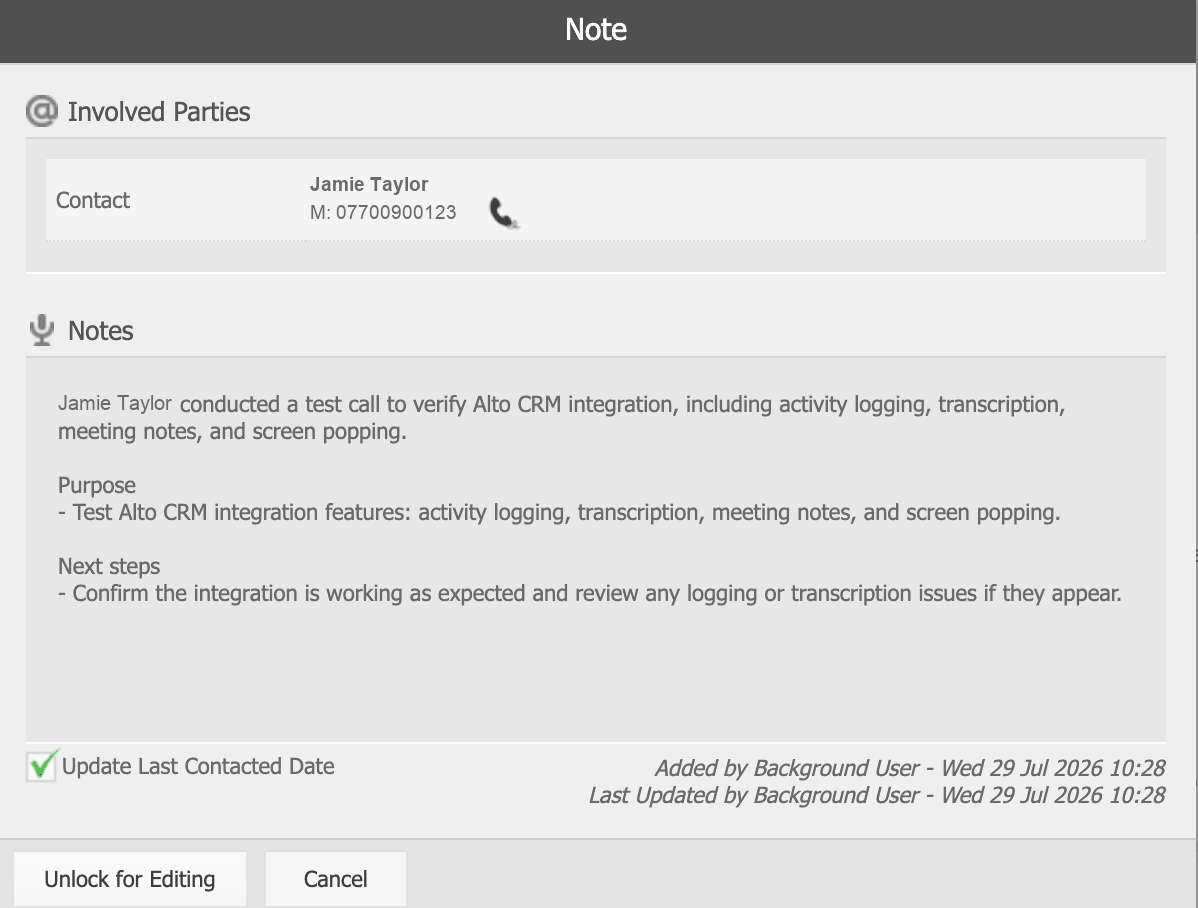
As with transcripts, re-running a summary won't add a second note for the same call.
Click to dial
Connect's Click to Dial Chrome extension works on Alto pages, so you can dial a number straight from an Alto record. It's installed per user from the Chrome Web Store and needs nothing setting up on the Alto side.
Troubleshooting
A caller's name isn't showing. Check the number is actually stored on that contact in Alto. Connect handles the formatting itself, so the number doesn't need to be saved in any particular style, but it does need to be on the record.
Calls aren't being logged. Connect only logs a call when it can match the number to an Alto contact. If the number isn't in Alto, there's nothing to attach the note to.
Calls from withheld numbers aren't logged. If the caller withholds their number there's nothing to look the contact up by, so the call is left out rather than logged against the wrong person.
Notes always show as added by the application, not by me. This is expected. Connect connects to Alto once for the whole organisation rather than through individual logins, so Alto has no way to know which person took a particular call. Every note Connect adds is attributed to the application itself.
Nothing is logging any more, and it used to work. This usually means something's changed on the Alto side, such as the connection being deactivated. Get in touch and we'll check the connection with Alto.
I can't find the call in Alto. Look under Recent Activity on the contact. That's where Connect adds everything it logs.