Zoho CRM
Connect works with these parts of Zoho CRM:
- Searching contacts and leads.
- Caller ID for contacts and leads.
- Opening the matching record automatically when a call is answered, known as screen popping.
- Logging calls against contacts and leads.
- Filing call recordings, transcripts and AI summaries as notes on the caller's account.
For the helpdesk product, see Zoho Desk. One Zoho sign-in can cover both, and linking one doesn't unlink the other.
Using standalone Sidekick? The contact search, caller ID and call logging described here need Connect. In Sidekick, Zoho CRM only receives your call transcripts and summaries, and only once Cosoft support has switched on Zoho CRM uploads, and you link it from Sidekick's Apps screen. See Linking apps in Sidekick.
Requirements
Your Zoho account lives in one data centre, and Connect supports the UK, Europe, United States, Australia, Japan and India. Connect picks this up when you sign in, so there's nothing to choose.
Caller ID relies on matching phone numbers, so store your Zoho numbers in a consistent format and tell Connect which one you use. Set Phone Number Format under Settings then CRM Settings. The setting covers your whole organisation rather than just you.
Screen popping and activity logging also need the fields below to be visible in Zoho. Each one must be readable by every user level and appear on at least one layout.
Contacts:
- Phone
- Mobile
- First_Name
- Last_Name
- Full_Name
Leads:
- Phone
- Mobile
- First_Name
- Last_Name
- Full_Name
Filing call recordings as notes needs two more. Accounts:
- Phone
Contacts:
- Account Name, the link from a contact to its parent account.
Linking Connect to Zoho CRM
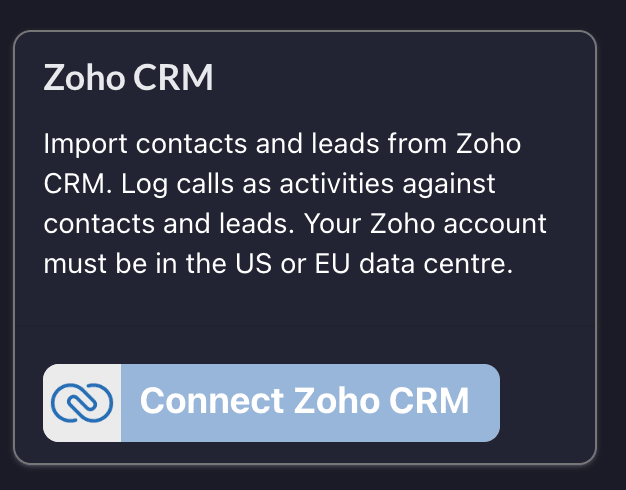
1. On the Connect Apps screen, click Connect Zoho CRM.
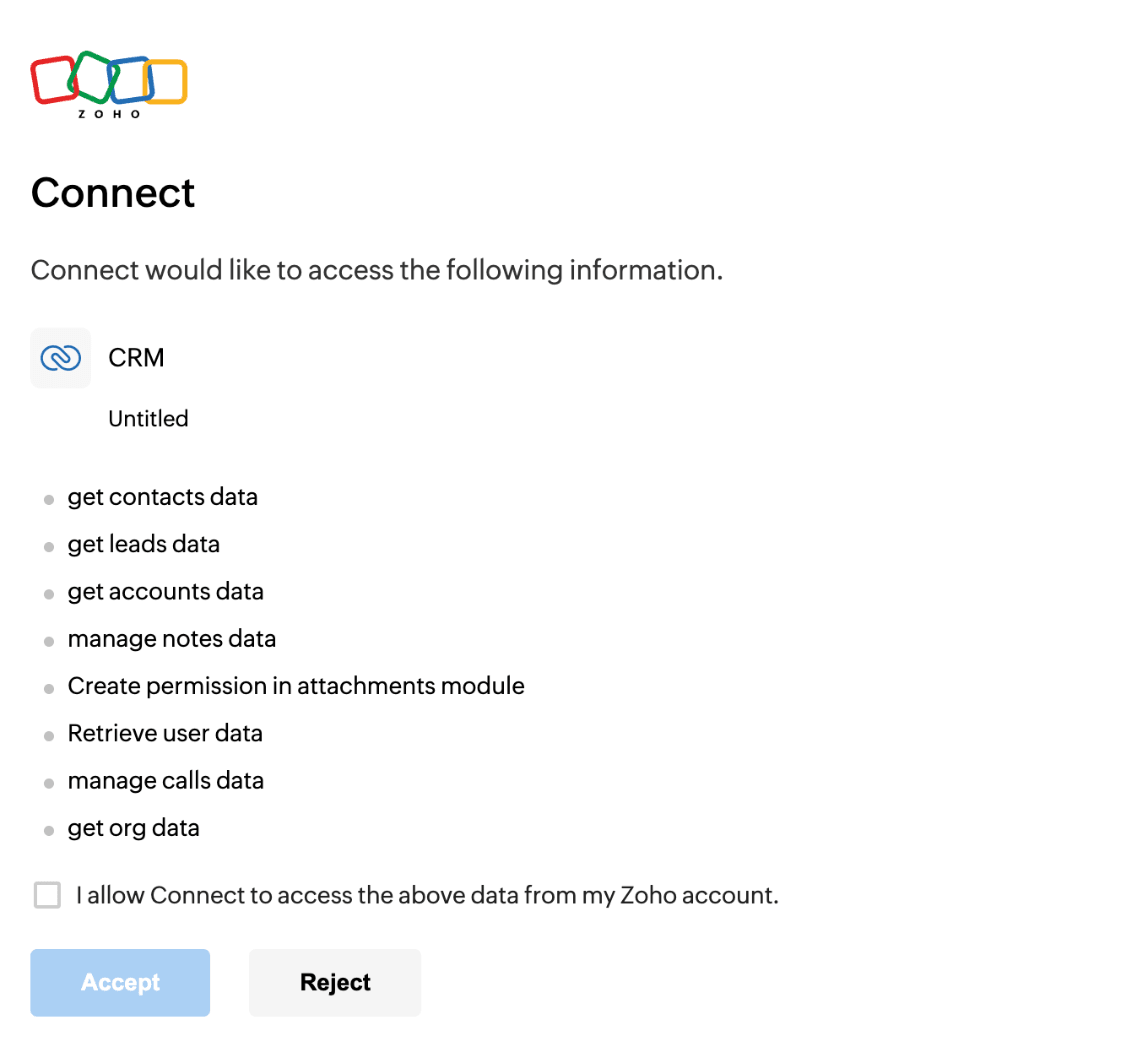
2. Tick the box and click Accept on the Zoho permissions screen. Connect asks to read contacts, leads, accounts, users and your organisation details, and to create calls, notes and attachments.
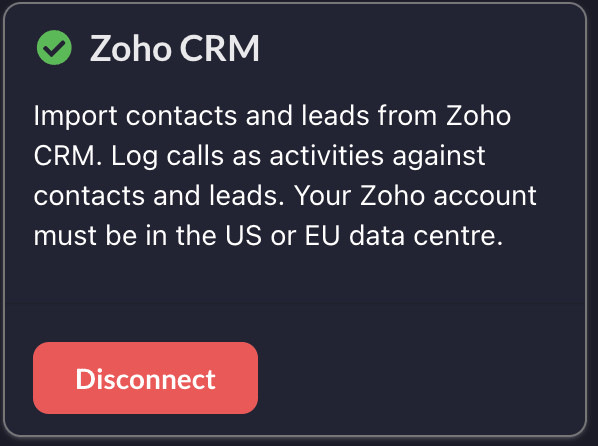
3. You'll come back to Connect with Zoho CRM linked.
Everyone links their own Zoho account, and Connect uses that person's own Zoho permissions. Someone whose Zoho profile can't see leads won't get leads back from Connect.
Setting your phone number format
1. Click Settings, then CRM Settings.
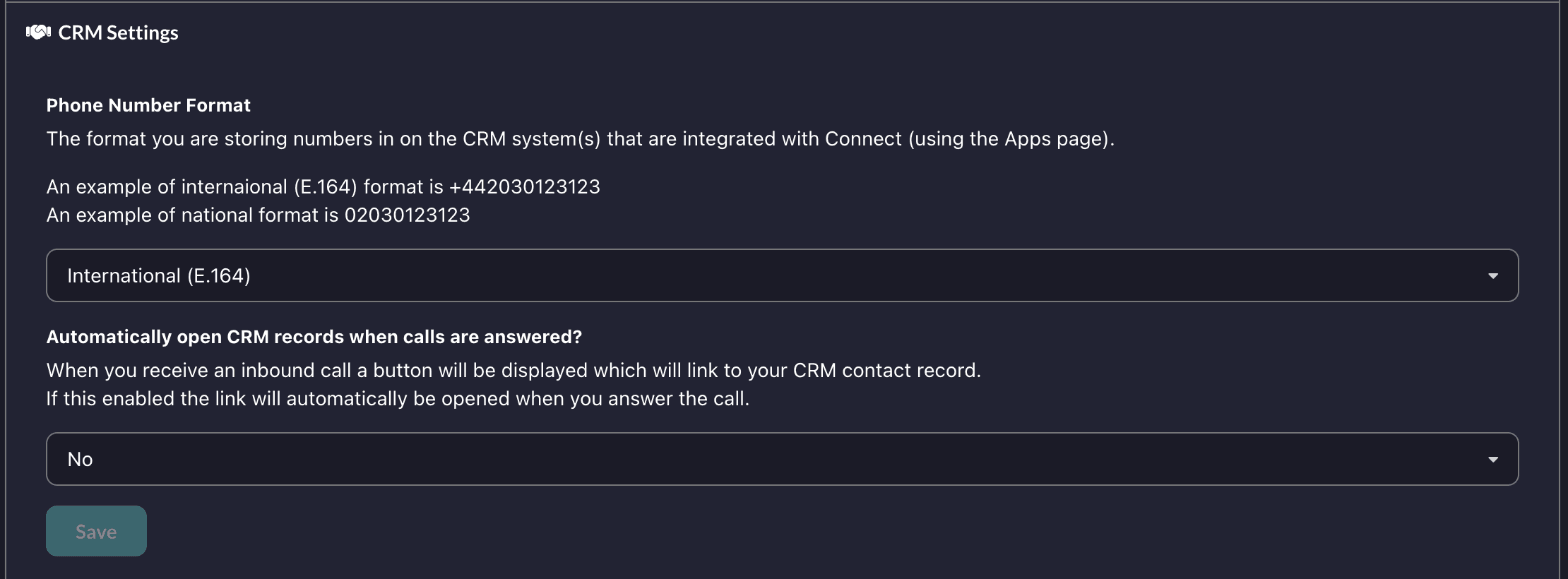
2. Pick the format your Zoho numbers are stored in. International (E.164) looks like +442030123123, national like 02030123123, and there are spaced versions of each.
3. Automatically open CRM records when calls are answered? controls screen popping. A matched call always shows a button through to the record. Set this to Yes and the record opens as soon as you answer.
Searching contacts and leads
Typing in the Connect Contacts screen searches Zoho live, across both contacts and leads. Names match on anything starting with what you typed; phone and mobile numbers match both that way and exactly.
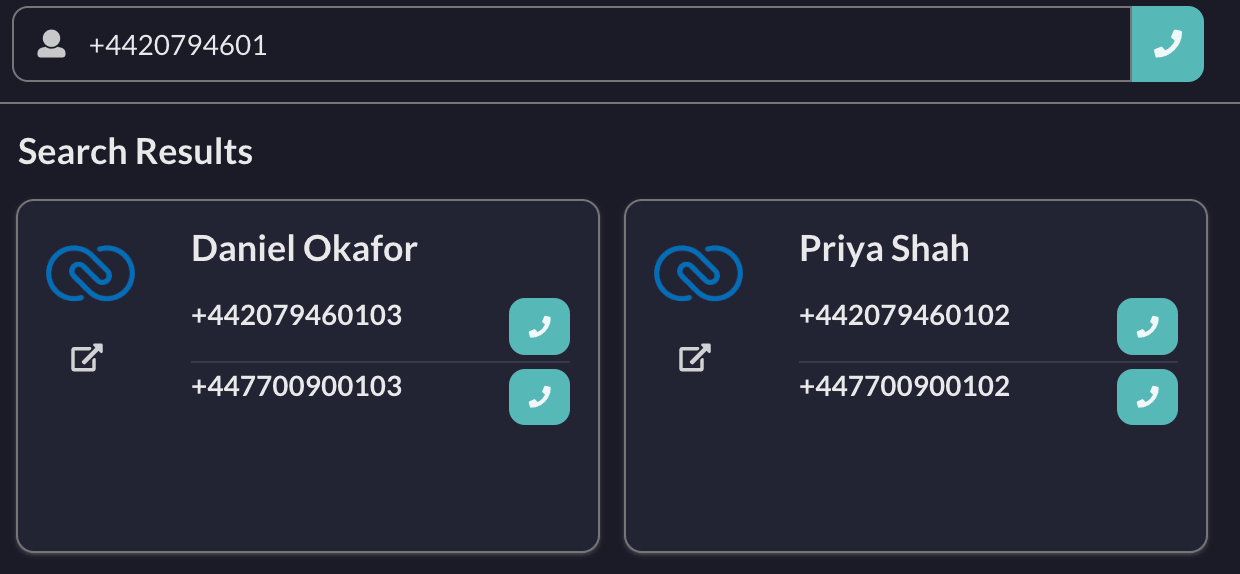
Zoho results carry the Zoho logo, with a link through to the record and the usual buttons to call or email. Connect doesn't import or sync your Zoho records, it searches Zoho each time.
Caller ID and screen popping
An incoming call is matched against your Zoho contacts and leads, so a known caller arrives with their name and a button through to the record.
Connect remembers the result of a lookup for ten minutes, so a number you've just corrected in Zoho may not be recognised straight away. See CRM screen popping for the number format setting and how to troubleshoot it.
Call logging
When a call ends, Connect writes a call activity into Zoho against the matched record.

The subject describes the call, for example Inbound call via Connect lasting 125 seconds, alongside the call type, start time and duration. A contact is linked through Contact Name and a lead through Related To.
Connect logs against the first matching record it finds, checking contacts before leads, so a number held on more than one record produces a single activity.
Call recordings, transcripts and summaries
If you use iPECS call recording, Connect can file the call itself into Zoho CRM. The recording comes from call recording, and the transcript and AI summary also need Sidekick.
Support switches this on per customer, so ask your reseller or Cosoft support to enable Zoho CRM uploads for your account.
Everyone should relink Zoho CRM on the Apps screen before support switches it on. Calls recorded while someone still holds an older link are marked as unable to upload and aren't tried again, so those notes are lost rather than delayed.
What arrives in Zoho
Everything lands as notes on the caller's account.
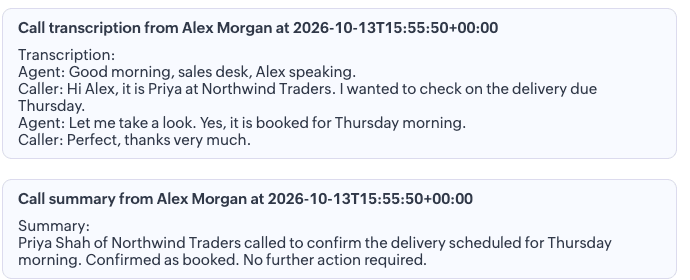
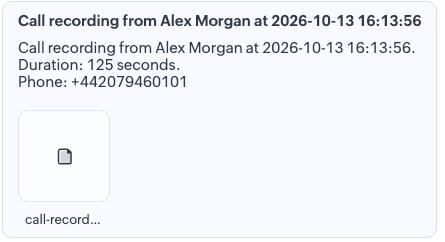
The transcript arrives as a note titled Call transcription from {name} at {time}, and the summary follows as a separate note once it has been generated. The recording gets its own note with the audio attached, so anyone who can see the account can play it back.
How Connect picks the account
Connect looks for an account whose Phone matches the caller. Failing that, it looks for a contact whose Phone or Mobile matches and uses that contact's parent account. If neither matches, no note is written, so a number held on a contact with no account attached produces nothing.
Relinking an older connection
Filing notes needs permissions that older Zoho links never asked for. If you linked Zoho CRM before call recording uploads existed, go to the Apps screen, click Disconnect on the Zoho CRM card and link it again. Relinking is the only way to widen the permissions on an existing link.
Unlinking
Click Disconnect on the Zoho CRM card on the Apps screen. If you also use Zoho Desk, that stays linked and working.
Troubleshooting
"There is a problem with your Zoho configuration" means Zoho rejected a search, almost always because one of the fields listed under Requirements is missing, hidden, or not on a layout. Check each one in Zoho's module settings.
Callers aren't recognised. Check Phone Number Format matches how numbers are actually stored in Zoho. A record holding 020 3012 3123 won't match when Connect sends +442030123123.
Leads aren't returned. Check the Zoho profile of the person who linked their account can see the leads module, and that the lead fields above are visible.
No notes on the account for a recorded call. Either nothing in Zoho matched the caller's number, or the number matched a contact that isn't linked to an account. If it affects every call, check the person who took it has relinked Zoho CRM as described above.