Zoho Desk
Linking Zoho Desk lets Connect name callers who match a Zoho Desk contact, and raise a ticket for each inbound call once it ends. Recorded calls bring their audio and transcript with them.
For the CRM product, see Zoho CRM. One Zoho sign-in can cover both, and linking one doesn't unlink the other.
Using standalone Sidekick? The contact search, caller ID and call logging described here need Connect. In Sidekick, Zoho Desk only receives your call transcripts and summaries, and you link it from Sidekick's Apps screen. See Linking apps in Sidekick.
Requirements
Your Zoho account lives in one data centre, and Connect supports the UK, Europe, United States, Australia, Japan and India. Connect picks this up when you sign in, so there's nothing to choose.
Every ticket belongs to a department. Connect doesn't ask which, it uses the first department in your Desk account, so organisations running several will see every Connect ticket land in the same one.
Matching relies on how numbers are stored in Zoho Desk. Connect hands the caller's number to Zoho Desk's own contact search: for caller ID it converts the number to full international format such as +442079460201, so contacts holding numbers that way match most reliably. When a ticket is raised, Connect passes the number as the phone system reported it, which may be national format. The Phone Number Format setting used by the CRM apps has no effect on Zoho Desk.
Linking Connect to Zoho Desk
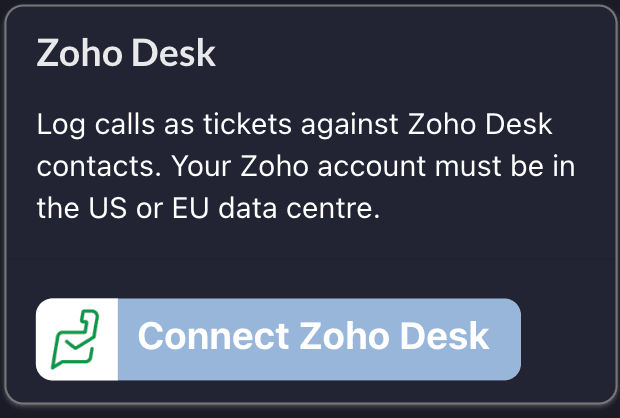
1. On the Connect Apps screen, click Connect Zoho Desk.
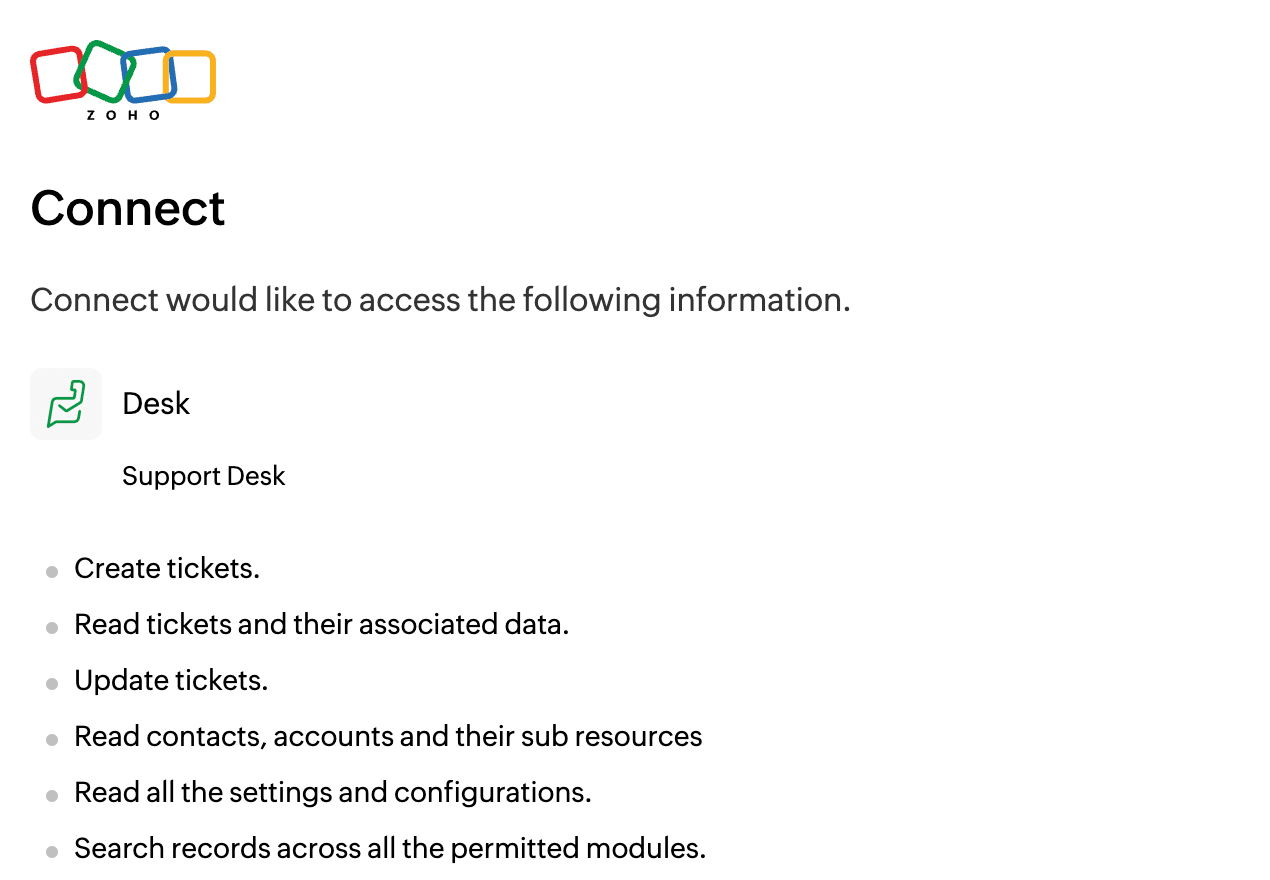
2. Tick the box and click Accept on the Zoho permissions screen. Connect asks to create, read and update tickets, read contacts and accounts, read your settings, and search the modules you have access to.
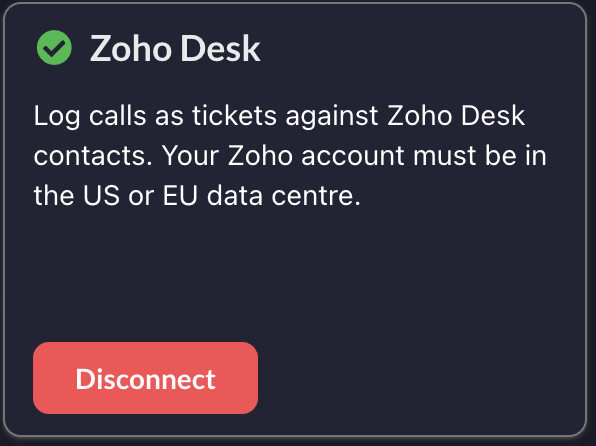
3. You'll come back to Connect with Zoho Desk linked.
If you already have Zoho CRM linked, the permissions screen lists both Desk and CRM. That's expected, and accepting doesn't change your CRM access.
Caller ID and screen popping
Incoming calls are matched against your Zoho Desk contacts, so a known caller arrives with their name attached. Typing in the Connect Contacts screen searches Zoho Desk the same way.
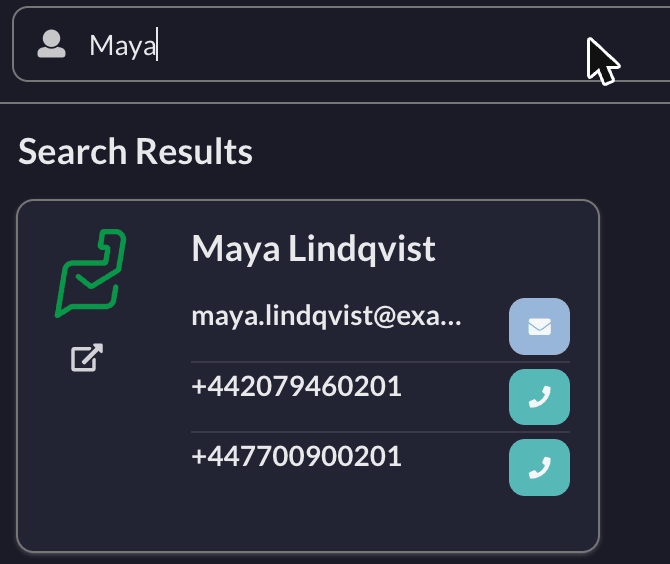
Desk results carry the Zoho Desk logo, with a link through to the contact and the usual buttons to call or email. Connect doesn't import or sync your Desk contacts, it searches Desk each time.
Connect remembers the result of a lookup for ten minutes, so a number you've just corrected in Desk may not be recognised straight away. Newly created Desk contacts also take a short while to be indexed before they can be found at all. See CRM screen popping for how screen popping behaves and how to troubleshoot it.
Ticket creation
When an inbound call ends, Connect raises a ticket in Zoho Desk. Outbound calls don't raise tickets; for a record of those in a CRM, see Zoho CRM call logging.

The subject describes the call, for example Inbound call via Connect lasting 184 seconds. If the caller's number matches a Desk contact the ticket is raised against them, and if nothing matches Connect creates a placeholder contact named Connect-Unknown-Contact carrying the number. Merge it into a real contact later to keep the history.
Call recordings and transcripts
If you use iPECS call recording, the call itself arrives on a ticket as well. Unlike Zoho CRM this needs no separate switch: anyone who has linked Zoho Desk gets it. The recording comes from call recording, and the transcript and AI summary also need Sidekick.
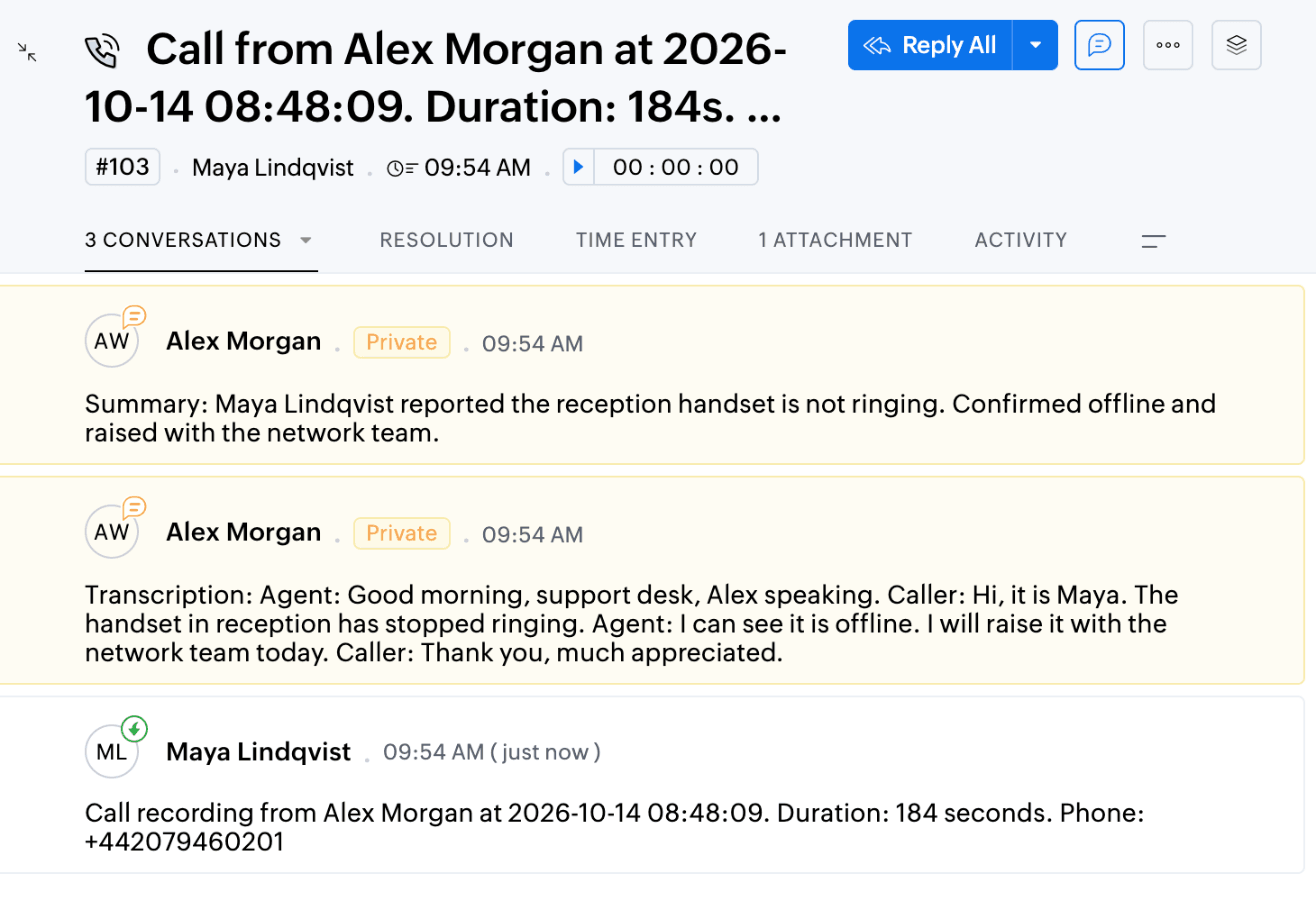
The ticket is titled with the call details, for example Call from Alex Morgan at 2026-10-14 08:48:09. Duration: 184s. Phone: +442079460201. The transcript arrives as a private comment, and the summary follows as a second one once it has been generated. Private comments are visible to your agents but not to the customer on the ticket.
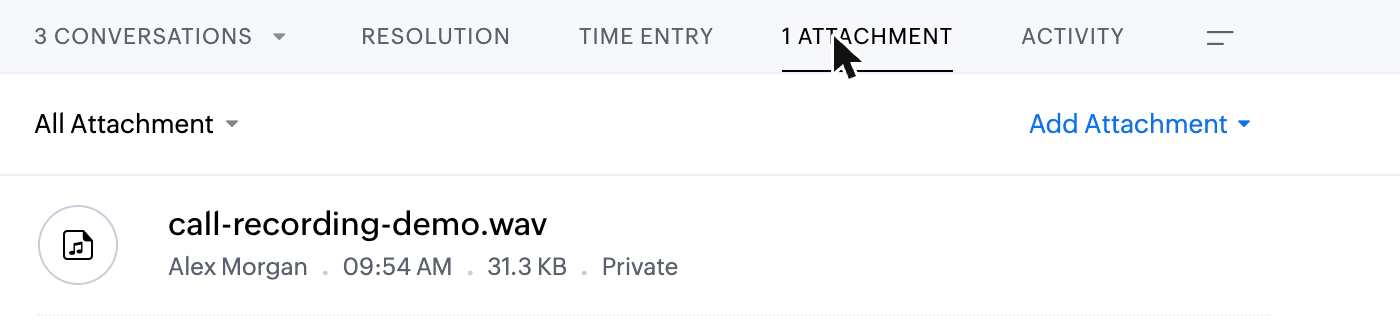
The recording is attached to the same ticket as an audio file.
Two tickets per recorded call
A recorded inbound call produces two tickets: one raised the moment the call ended, and one carrying the recording and its transcript. The recording, transcript and summary share a single ticket between them, so you don't get one per attachment, but that ticket isn't linked to the one raised when the call ended.
Unlinking
Click Disconnect on the Zoho Desk card on the Apps screen. If you also use Zoho CRM, that stays linked and working.
Troubleshooting
Callers aren't recognised. Caller ID searches Desk using the number in full international format, so a contact holding 020 7946 0201 won't match when Connect sends +442079460201. Storing Desk numbers in international format is the fix.
A new Desk contact isn't found straight away. Zoho Desk takes a short while to index a new contact before it can be searched, so one added seconds ago may be missed on the next call.
Tickets go to the wrong department. Connect uses the first department in your Desk account and offers no way to choose. A Desk assignment rule on the ticket subject is the usual way to move them.
Lots of Connect-Unknown-Contact records. An inbound call from a number you don't hold in Desk produces one. Adding the numbers you recognise to real contacts stops new ones appearing.
The recording isn't attached. Connect uses the link belonging to the extension that took the call, so check that person still has Zoho Desk linked on the Apps screen.